

B-Roll That Makes Service Videos Look Professional: What to Film on Every Job
Good B-roll makes a service video look professional without extra filming days. Here is what to capture on every job, and how to use it in the edit.
- Written by Asad Farooq
- Topic: Video Editing
- Published
- 3 min read
Key takeaways
- Film B-roll on every job, even a small one, because you cannot go back and film it later.
- Capture hands at work, tools in use, and the finished result, because those three shots tell the story.
- Shoot each B-roll clip for at least five seconds, steady and simple, so the editor can actually use it.
- Vary the shot size, with wide shots for place, medium shots for action, and close-ups for detail.
- Label and organise the clips the same day, or the footage will sit unused on a memory card.
In this article (6 sections)
The three shots every job needs
The difference between a service video that looks amateur and one that looks professional is rarely the camera. It is the B-roll, the extra footage that fills the gaps between the main shots. A talking head with no cutaways feels long and flat. The same interview with close-ups of hands at work, tools in use, and the finished result feels like a real production. The good news is that useful B-roll takes minutes to film on a job you are already doing, if you know what to capture before you start.
Every service job has the same three moments worth filming. First, the work itself: hands doing the task, tools in use, materials being prepared. Second, the place: a wide shot of the room, the van, the shop, or the site before the work starts. Third, the result: the finished job, the clean surface, the working product, or the happy customer using it.
Film these three every time and you will never be short of material. Before and after footage is especially strong for service businesses, because it proves the change in a way words cannot, as covered in Before and After Videos That Sell Service Work. The result shot is the one most people forget, so make it a habit: finish the job, then film the result before you pack up.
How to film B-roll that an editor can use
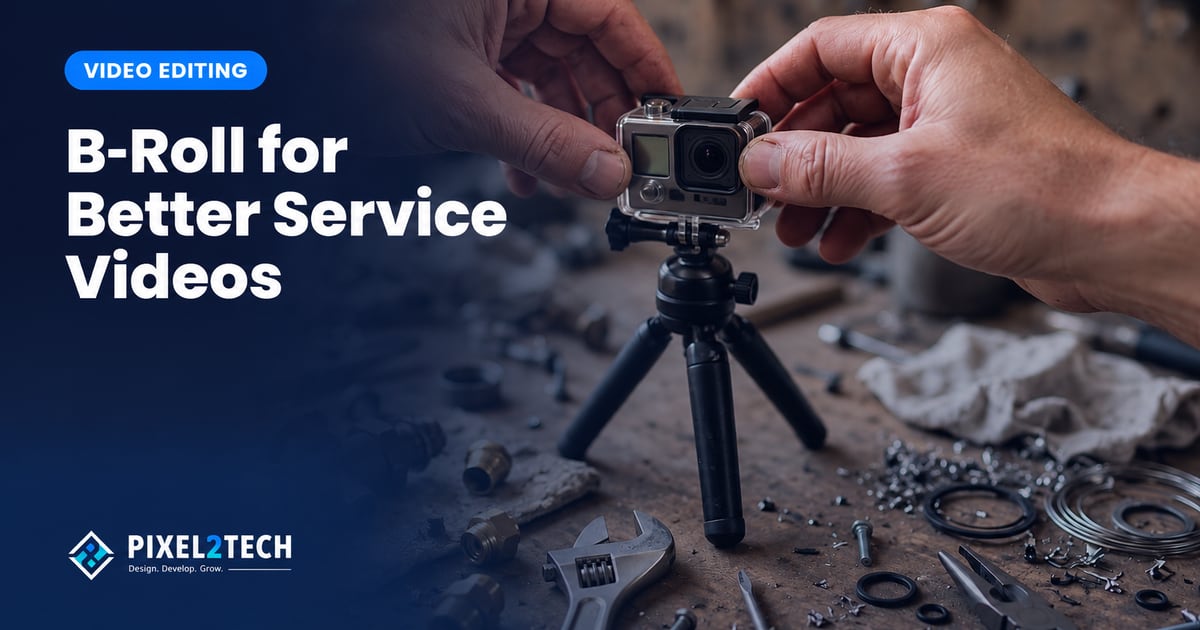
Good B-roll is steady, simple, and long enough. Hold each shot for at least five seconds without moving the camera. Count slowly to five in your head before you stop recording. A three second clip is hard to use in an edit, and a shaky clip is worse than no clip at all. If you have no tripod, rest the phone on a surface or hold it with both hands and elbows tucked in.
Keep the shot clean. Move clutter out of the frame, check the light on the subject, and film the action from the side where the work is clearest. One clean shot beats five rushed ones. Film in the same orientation for the whole job, usually horizontal for websites and vertical for social clips, so the editor does not have to mix formats in one video.
Vary the shot size to keep the edit interesting
A video that cuts between the same shot size feels repetitive, even when the content is good. Vary the size and the edit stays alive. A wide shot shows the place and sets the scene. A medium shot shows the person and the action together. A close-up shows the detail that proves quality: a clean joint, a neat finish, a careful hand.
Plan for at least one of each size on every job. The wide shot opens the video or introduces a new scene. The medium shot carries the main action. The close-up covers the edit when the speaker pauses or when a point needs proof. This variety costs nothing extra, because you are already on site, and it is what makes the finished video feel professional instead of flat.
Film the small moments, not just the main task
The most useful B-roll is often the footage nobody thinks to film. The van arriving, the tools laid out before the job, the team talking through the plan, the customer smiling at the result, the door closing as the job ends. These small moments give the editor places to cut, and they make the video feel like a real day of work instead of a staged shoot.
A customer testimonial filmed on site works the same way. A short interview recorded right after the job, while the result is fresh, sounds far more genuine than a script read in a studio. For advice on capturing one well, read How to Film a Client Testimonial Video in One Afternoon. Keep the question simple, let the customer answer in their own words, and film a few seconds of the finished work right after to cut over their voice.
Organise the footage the same day
B-roll only helps if the editor can find it. Footage left on a memory card or a phone with no labels is footage that never gets used. Build a small habit at the end of every job: copy the clips to one folder, name the folder with the date and the job, and delete the unusable takes before they pile up.
A simple folder name is enough, such as the date, the client, and the service. Inside it, keep the clips in the order they were filmed, and add a one line note about the best three shots. This takes ten minutes and saves hours later, because the editor starts with organised material instead of a mystery pile. Over a few months, the library becomes a real asset, and every new video gets faster and better.
Frequently asked questions
What is B-roll in a service video?
B-roll is the extra footage that plays over or between the main shots, such as hands at work, tools, the location, and the finished result. It makes the video look professional and keeps the viewer interested.
How long should each B-roll clip be?
At least five seconds, held steady without moving the camera. Shorter clips are hard to use in an edit, and shaky footage usually gets cut.
Do I need a professional camera to film good B-roll?
No, a modern phone is enough for most service videos. Steady hands, clean framing, and good light matter far more than the camera you use.
What if I forget to film B-roll on a job?
Film it next time, and add a note to your job checklist so it becomes a habit. You cannot recreate the moment later, so the routine is to film before you pack up.
About the author: Asad Farooq
Co-Founder & COO
Pixel2Tech is a Lahore studio for brand, web, video and automation work. We write about problems we see in client projects.
More about AsadMake your service videos look professional
Pixel2Tech edits service videos that look professional, from B-roll planning to the final cut and the ads that put the video in front of customers. If your videos need the polish that turns viewers into enquiries, a video editing review is a practical place to start.
Related articles

Video Editing ·
How to Choose Music for a Service Business Video Without a Copyright Headache
The wrong music can get your video muted or removed. Here is how to choose legal music that fits your service business video.

Video Editing ·
Video Sales Letters for Service Businesses: A Simple Script Structure That Converts
A video sales letter for a service business needs a simple script: problem, proof, offer, and one clear next step. Follow this structure to convert.
Video Editing ·
Client Testimonials vs Case Study Videos: Which One to Film First
A testimonial and a case study do different jobs. Which one to film first depends on what your next customer doubts, trust or proof, and this guide shows how to decide.
Video Editing ·
Before and After Videos: A Simple Format That Sells Service Work
A before and after video shows the result of service work in seconds, with proof no paragraph can match. A practical guide to filming the pair honestly and using it everywhere.
Related Pixel2Tech services
Get new articles by email
Leave your email and we'll send new posts when they're published.